

App-Controlled Top Gear Rally Car (42109): the small Control+ set
This is the cheap way into Control+. The same Smart Hub, L motor and XL motor that arrived in the 4×4 X-treme Off-Roader (42099) a few months earlier, in a 463-piece car you can build in an evening and drive from your phone before bed. Finished, it is 26 cm long and sits low on four small tyres, dressed in a Top Gear livery the BBC’s own team helped design.
It is in the Brick Club library, and it is the one to have sent when you want something that drives without giving up a weekend to build it. Below is what the two motors actually do, how the unnumbered bags split the build, and where the stickers, the ground clearance and the app catch people out. The reviewers were lukewarm about it, and I will tell you why.

Why this one matters
When it went on sale on 26 December 2019 this was the cheapest way to get the new electronics. The hub, the L motor and the XL motor had only appeared in two sets before it, the X-treme Off-Roader at £199.99 and the Liebherr excavator, and the Rambling Brick pointed out that for £124.99 you got the same hub and both motor sizes, just one XL fewer than the off-roader. The Brothers Brick was blunter: the small black box of electrics is the sole reason to buy the set, and it accounts for most of the price.
It also brought two new parts. The old Technic differential was never happy behind the new motors, so this set introduced a stronger grey casing that holds five gears instead of three, with three of them set at 60 degrees to each other, and a red 28-tooth gear that clicks onto the casing as a lid. Brick Architect noticed that the small bevel gears now slide into slots rather than sitting on pegs. The white mudguards and the red curved panels were new in those colours too.
Be clear about what it is not. It is a car that goes forwards, backwards, left and right, with no gearbox, no engine and no one-touch mode. The Brothers Brick called it very underwhelming after the two Control+ sets before it, and Brick Architect gave it two stars out of five. Both are fair about the model. What they undersell is how pleasant it is to have a working RC car on the carpet within two hours of opening the box, which for a rental is a different calculation from a £125 purchase.
What it actually does
Nothing on this car is worked by hand. Both functions run from the Control+ app, through the hub, to a motor, so the paths below start at your thumb.
One note on our own product page, which lists front and rear suspension. Neither full review mentions suspension at all, so I am not claiming it here until a member confirms it.
The XL motor is the first thing you build, and it connects almost straight onto the differential. That differential is the interesting part: a new grey casing holding five gears, three of them at 60 degrees to one another, closed by a red 28-tooth gear that clicks on as a lid and comes off again if you need to get inside. Brick Architect noticed the 12-tooth bevels slide into slots rather than sitting on pegs, and The Brothers Brick put the extra strength down to the five gears. The trade-off is that the red gear hangs as low as anything on the car, and The Brothers Brick expected it to pick up whatever is on your floor. Speed is capped by the app, not the motor: even in its top simulated gear the car is slower than a pull-back Technic set.
The smaller motor turns a rack and pinion that swings the front wheels. In the app you steer either with a thumb or by tilting the phone, and in the tilt mode the phone reads the angle you hold it at rather than a lever on the screen. There is no knob on the roof and no steering wheel inside; the L motor is the only thing that moves the rack.
The grey hub is the battery box and the receiver together, and Brick Architect points out it is no bigger than the old battery boxes that needed a separate receiver. It takes six AA batteries and it is heavy once they are in; it goes into the chassis in the first third of the build, so the car carries its weight in the middle from the start. Rechargeable NiMH cells at 1.2 volts work despite the 1.5 volt marking. One trap: at launch this hub only talked to the Control+ app, and Brick Architect found the plain LEGO Powered Up app, the one the System sets use, would not work with it.
The default screen gives you two thumbs, one for steering and one for speed. The second mode steers by tilting the phone and leaves one thumb for speed, and Brick Architect much preferred it, with the complaint that you cannot also set the speed by tilting the other way. There are challenges and achievements built in, but the description of what the app does takes one page at the end of the instruction book, and the one-touch mode that made the off-roader feel clever is not here. The app also simulates a gearbox, so the car speeds up and slows down as you change gear on screen, which is fun for ten minutes and then a limit.
The Brothers Brick said the chassis is very solid: robust, compact and a good base for your own remote-controlled cars. They also singled the set out as a neat demonstration of how to use the large 7 by 11 frames. Nothing on it is complicated to build or to test. If you have wondered whether to try the Control+ hardware in something of your own design, this is the set to have sent first.


How the build goes
The reviewers disagree on the bag count, four or five, and Brick Architect found none of them numbered. The electronics come in their own box inside the main one. Brick Architect timed the three sections at 20, 20 and 30 minutes without stickers, and the Brothers Brick said an inexperienced builder can finish it in one evening.
XL motor, differential and hub
The first third is the heaviest assembly in the set: the XL motor, the new differential built up in its grey casing with the red gear clicked on as the lid, then the hub attached behind it. Brick Architect noted how heavy the hub is once its six AAs are in. Twenty minutes.
L motor, steering and the wires
The smaller motor goes in and drives the rack and pinion for the front wheels, then the leads are routed through the red and yellow axle-and-wire clips made for the flat Powered Up cables. This is the moment to stop, put the four wheels on and pair the app: Brick Architect reckoned the car would drive at the end of step 64, and it is far easier to reseat a lead now than after the panels are on. Another twenty minutes.
Bodywork and stickers
Mudguards, panels, the light pods and the wing. Thirty minutes without stickers and a good deal longer with them; Brick Architect skipped them entirely, which is why his photos look plainer than the box. The white mudguards are the small size, which suits the scale.
Pairing and first drive
Install Control+ before the kit arrives, not the Powered Up app. Brick Architect’s Android phone paired first time. Try the two-thumb mode, then switch to tilt steering. Do not expect speed: plenty for a room full of furniture, not enough for a long hallway.
No member build has come back with photos yet, so these come from the two full reviews. They are the points to slow down for.
- Stickers on everything. Jay’s Brick Blog reckoned every exposed panel carries one, and both builders disliked the sheet. Brick Architect’s sheet and manual arrived bent, which he put down to the rigid electronics box inside. If the kit arrives with the stickers already on, leave them be.
- Unnumbered bags. Four bags (the Brothers Brick counted five) with no codes and no stage numbers: one small bag of mostly pins, one medium bag with the tyres, two large bags of everything else. Open them all and sort before step one.
- The red gear is the lowest point. Ground clearance is tiny and the differential’s red lid sits almost on the floor, which The Brothers Brick expected to pick up dust and pet hair. Hard floors, swept, indoors only.
- Headlights on two studs. The headlights are held on a couple of studs each, which the Brothers Brick flagged as the weak point for rough play. Check them, and the Stig pods beside them, after every wall.
- The wrong app. At launch the hub in this set did not work with the LEGO Powered Up app. It needs Control+, and Control+ needs a phone or tablet that can run it, so check that before the kit arrives.
On the shelf
It is 26 cm long and 10 cm tall, so it fits where the big Technic cars do not. The look divides people. The body is white panels with dark blue and black arches, red on the rear wing, and the Brothers Brick called the result a patchwork, especially at the back where every panel faces a different direction. The stickers make it busier still: red on white, white on blue, black on white. Number 77 on the doors, four Stig lamp pods on the nose, a Top Gear badge either side.
It is an un-badged GT rally car rather than a copy of a real one, co-designed with the BBC’s Top Gear team, and the only link to the programme is the Stig. Underneath, the chassis is the best-made part of the set, compact and solid, and it is where the value of the box lives.

It is the one for you if you want to drive something this week rather than build something this month, if there is a nine-year-old in the house, or if you are curious about Control+ and do not want to commit a weekend to the off-roader first. It is one evening, under two hours before the stickers, and the build is simple. Check your phone will run Control+, put six AAs on the list, and pair it at the end of step 64 with the panels still off. If you want the fuller Control+ experience, with three motors and one-touch driving, the 4×4 X-treme Off-Roader (42099) is in the library too; if you want a rally car with a gearbox to work by hand, the Rally Car (42077) below is that set.
If you like this one, try
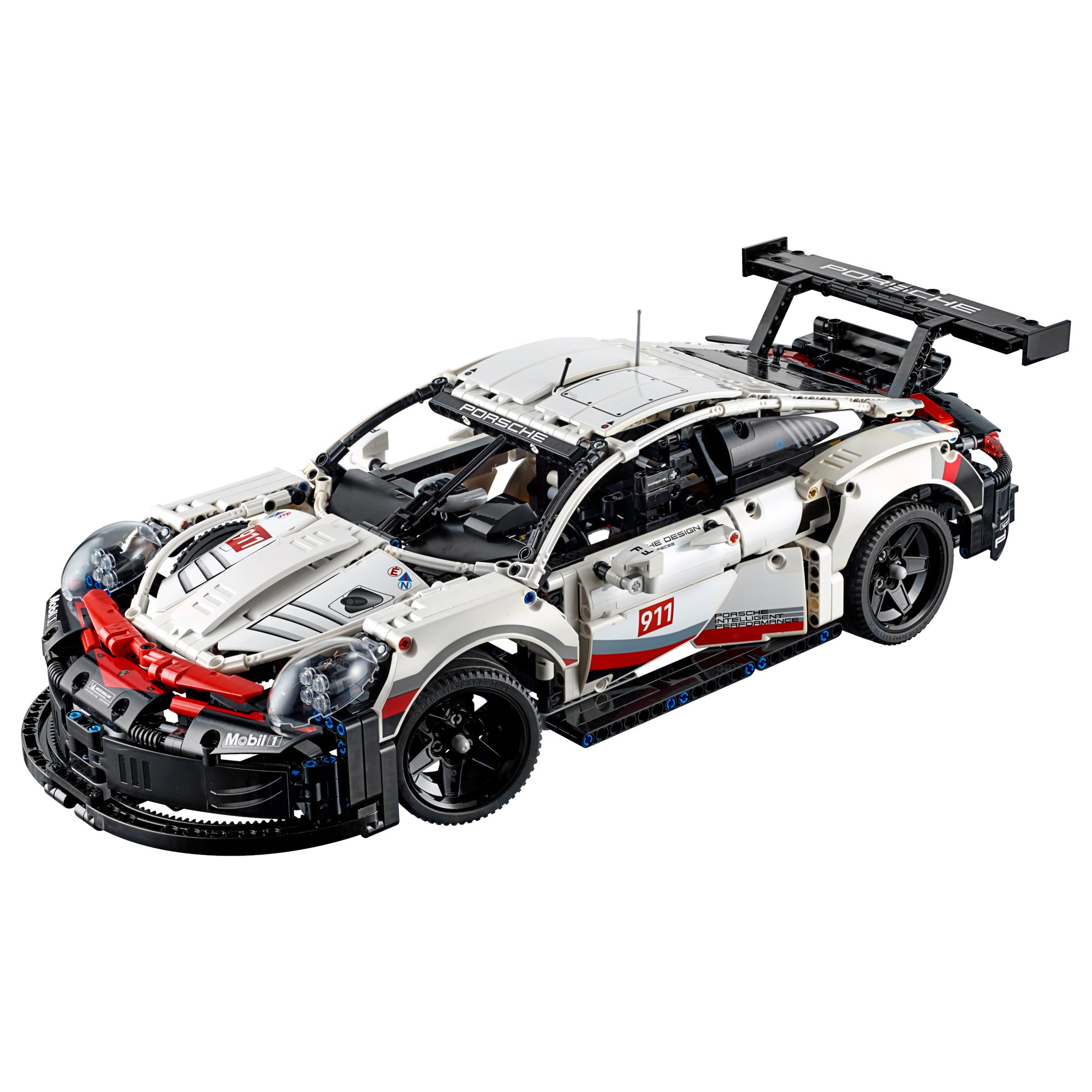
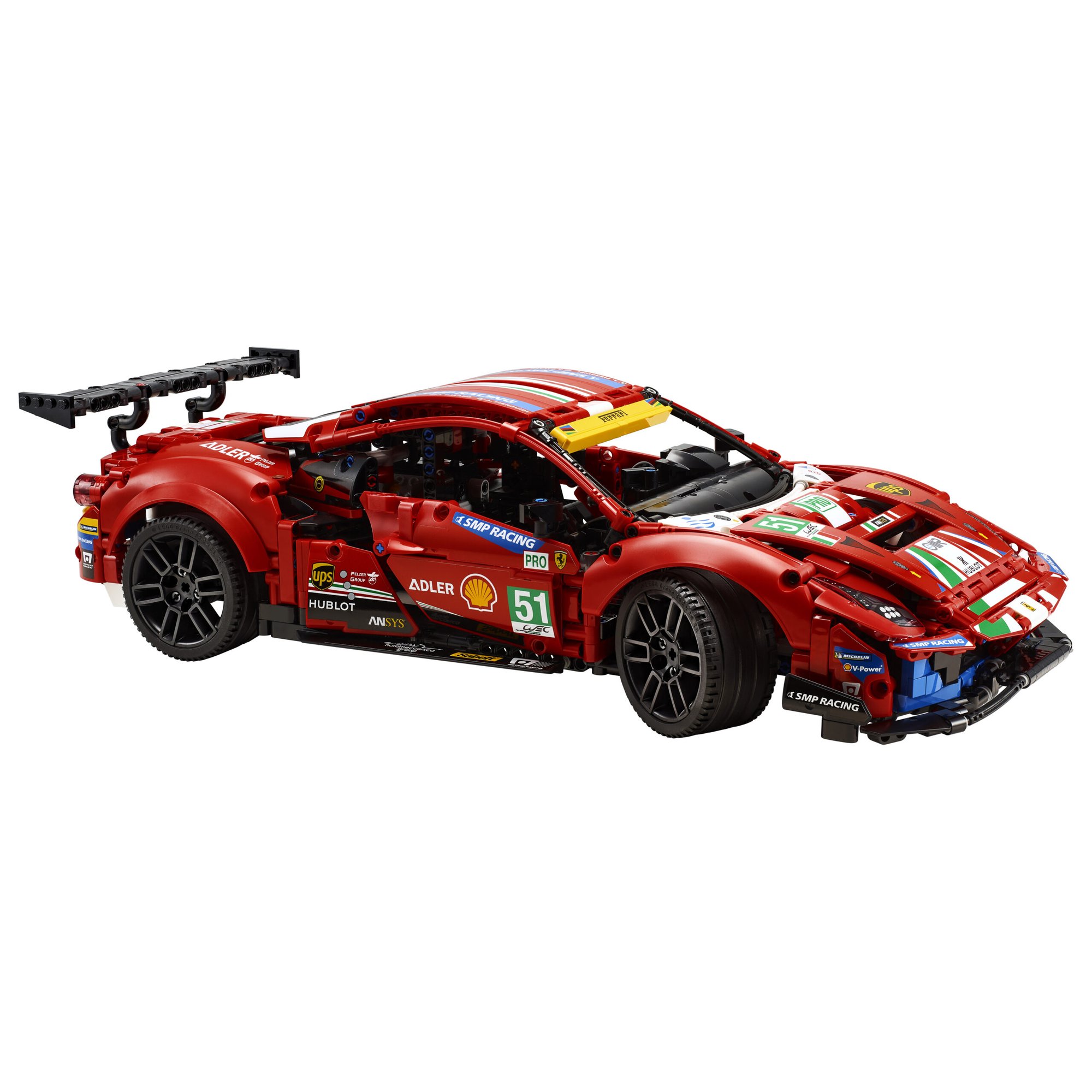
The other racers in the library. The Rally Car is the hand-worked one with a sequential gearbox; the Porsche and the Ferrari are the bigger endurance racers, around 50 cm long; the Charger is the other licensed car from the same year.


The Top Gear Rally Car is in the library
Technic Fan gets up to 6 kits a year, Master Builder up to 12. Delivery both ways is included and the prepaid return label is in the box.